

In short: how much screen time for a child aged 4–9?
- Age 4: WHO recommends no more than 1 hour a day of sedentary screen time, and less is better.
- Ages 5–9: WHO does not set a minute-by-minute limit. It recommends limiting recreational screen time and making sure children average at least 60 minutes of physical activity a day.
- Screen-free zones: the table during meals, homework time and the period before bed.
- Together, not always alone: watch and play together and talk about what is happening on screen.
- Weekly plan: regular times, a timer and rules written down where everyone can see them.
- Track before you change: for three days, write down every screen session.

Where and when should children avoid screens?
Start with screen-free places and times because they are easier to follow than a single daily minute total. The American Academy of Pediatrics (AAP), in its guidance on family media plans, gives examples such as the table during meals, homework time and the period before bed. These boundaries can support family conversation, learning and sleep.
Three practical rules work well:
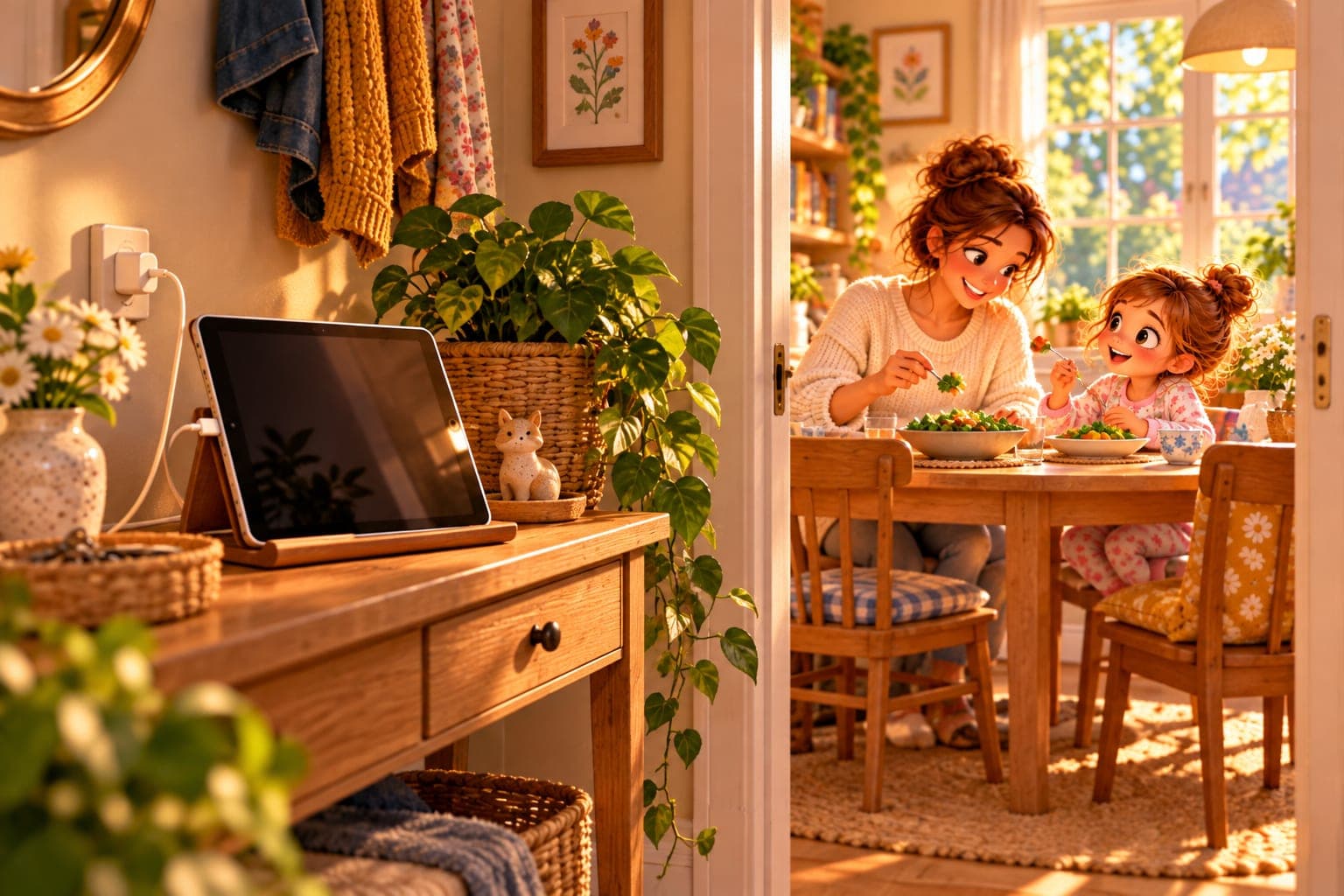
- One charging place for all devices, such as a shelf in the hallway. The tablet goes there before the family sits down to dinner.
- A book instead of a video in the evening. WHO encourages reading and storytelling with an adult during quiet, sedentary time for young children.
- One screen at a time. The AAP advises turning off devices that no one is actively using because background media can be distracting. That includes a television playing in the background.
Why is it better to use screens together with your child?
Because co-viewing and co-playing turn screen use into a chance to talk. The AAP notes that watching together helps parents understand what children experience online, strengthens connection and creates opportunities to guide them.
AAP suggestions that are easy to try today:
- Follow your child's interests. Let your child show you how a favourite game works, then ask what they enjoy about it.
- Ask open questions: “What do you think the character will do next?” instead of “Did you like it?”.
- Connect screens with learning and real life: after a whale documentary, look up whales in an atlas; after a building game, build something with blocks.
- Move together: dance to a song from a programme instead of staying seated.
- Put shared viewing in the plan, for example a family film on Friday.
You do not need to sit beside your child for every minute. It is enough to share some sessions and know what they are watching or playing.

How can you set a weekly plan and clear limits?
Write a weekly plan together and put it somewhere visible, such as the fridge. A written rule reduces daily negotiation. The AAP encourages families to create a media plan and revisit it when routines change, such as at the start of a school term or during school holidays.
Question | Example for a 4-year-old | Example for an 8-year-old |
|---|---|---|
When? | after an afternoon snack | after school and outdoor play |
How much? | 2 episodes of about 15 minutes each (WHO: no more than 1 hour) | a number of minutes agreed after 3 days of tracking |
What? | calm programmes chosen by a parent | a logic game, nature film or video call with grandparents |
With whom? | with an adult nearby | some sessions with a parent |
Where? | in the living room | in the living room, not the bedroom |
When choosing content, the AAP recommends apps and programmes that support learning, creativity and connection with others. In practice, children also find it easier to stop something with a clear endpoint: one episode, one game level or one round.
Clear limits in practice:
- A timer your child can see, such as a kitchen timer. Give a warning a few minutes before the end.
- Stop at the end of the episode, not halfway through. Turn off autoplay: the AAP notes that this feature is designed to keep people watching for longer.
- A star on a chart for a day when the screen was turned off without an argument. After a week, do something enjoyable together, such as a trip to the park.
- Parental controls with a time limit on the tablet. The AAP includes these among the tools families can use in a media plan.
- Adults follow the rules too. The AAP stresses that parents model media habits for children.

What exactly does WHO say about screen time for ages 4–9?
For 4-year-olds there is a specific recommendation; for older children the guidance is to limit sedentary recreational screen time without a fixed minute cap.
Age | Sedentary screen time | Physical activity | Sleep |
|---|---|---|---|
Ages 3–4 (WHO, 2019) | no more than 1 hour a day; less is better | at least 180 minutes of varied activity, including 60 minutes of more energetic play | 10–13 hours, including naps if needed |
Ages 5–17 (WHO, 2020) | limit, especially recreational screen time | an average of at least 60 minutes a day of moderate-to-vigorous activity | sleep is not covered by these guidelines |
WHO's 2020 guidelines note that the evidence does not support one exact screen-time cut-off for school-age children. A practical order of priorities is therefore sleep, movement, meals and learning first, with recreational screen use fitted around them.
How can you track screen time over three days?
Record every session for two typical weekdays and one non-school day, because weekends often look different.
- Put a sheet on the fridge and note the start and finish time, the device, what your child was doing and whether they were alone.
- Record schoolwork separately from entertainment. WHO guidance for school-age children focuses especially on limiting recreational sedentary screen time.
- Include short sessions: a phone while waiting, a tablet in the car and television during a meal.
- Add up the minutes for each day and compare them with the guidance and your own family plan.
Example: a screen-time log for 4-year-old Jack.
Day | Sessions | Total |
|---|---|---|
Monday | morning cartoon 15 min, tablet in the car 20 min, game 25 min | 60 min |
Tuesday | morning cartoon 15 min, game 30 min | 45 min |
Saturday | film 50 min, tablet at grandparents' house 40 min, evening cartoons 20 min | 110 min |
On the two preschool days, the average is (60 + 45) ÷ 2 = 52.5 minutes, which is within the WHO recommendation. On Saturday, Jack spent almost twice as long as 1 hour on screens. The family therefore does not need to overhaul the whole week—just two habits: the tablet in the car and the long Saturday sessions.
An older child can help with the maths. A 6-year-old can practise reading whole hours in times of day and clocks, while a child in the first year of primary school can practise clocks and whole hours. A 9-year-old can work out how many minutes have passed since a game started. Adding minutes, for example 25 + 30 + 20 = 75, is useful practice in addition to 100.
What mistakes should you avoid?
- Making screen time the main currency at home. If every reward and consequence is measured in tablet minutes, arguments about screens return every day.
- Using a screen to calm every moment of anger or boredom. Children also need other ways to settle themselves and handle downtime.
- Switching it off suddenly with no warning. Give a few minutes' notice before the end.
- Rules only for children. A parent's phone at the dinner table undermines the screen-free rule.
- Tracking with no plan. A total number of minutes changes nothing unless you choose one habit to improve.
When should you talk to a paediatrician or teacher?
When screen use is clearly crowding out sleep, physical activity or play despite consistent family rules. Signs worth discussing include:
- your child regularly falls asleep later because of “one more episode”,
- turning off the screen leads to a long outburst every day,
- your child stops playing independently or with other children,
- a teacher reports tiredness or problems with attention,
- your child watches content that frightens them or hides what they are doing online.
A paediatrician, teacher, school counsellor or child-development professional can help you work out what is happening and what support may help.
Sources
- Światowa Organizacja Zdrowia (WHO) — To grow up healthy, children need to sit less and play more (guidelines for children under 5: screen time, physical activity and sleep, 2019).
- Bull F.C. i in. — World Health Organization 2020 guidelines on physical activity and sedentary behaviour (WHO guidelines for children and adolescents aged 5–17: physical activity and limiting recreational screen time, 2020).
- American Academy of Pediatrics, HealthyChildren.org — How to Make a Family Media Plan (screen-free zones, one screen at a time, autoplay, reviewing the plan; 2026).
- American Academy of Pediatrics, HealthyChildren.org — Why Co-Viewing Is Important: Tips to Share Screen Time With Your Kids (watching and playing games together with your child, 2026).