
Printables
Everything you print and do at the table: worksheets, tracing lines, mazes and dot-to-dot. A4 format, a file ready to print, no account needed.
1585 printables · page 1 of 133
- Tracing lines
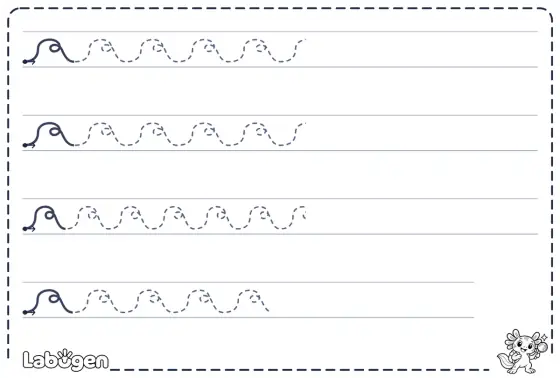
Double Loops Tracing Worksheet — Medium Patterns with Half Tracing for Ages 5–6
A continuous line that climbs into a tall rounded hump and curls into a small loop on its right side runs through four medium rows for children aged 5–6.
1 A4 page
- Tracing lines
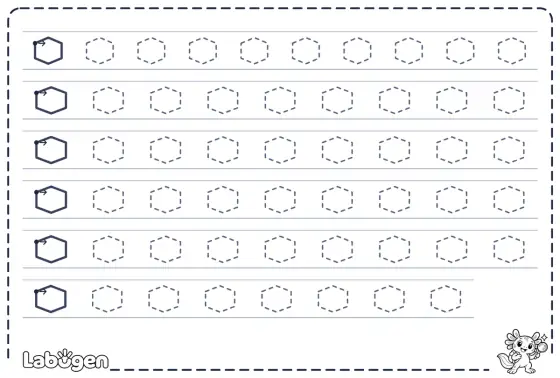
Honeycombs Tracing Worksheet — Large Patterns to Trace for Ages 5–6
Six large rows of honeycomb cells let 5- and 6-year-olds trace a whole hexagon, with dashes along every row and a stop at each of the six corners.
1 A4 page
- Tracing lines
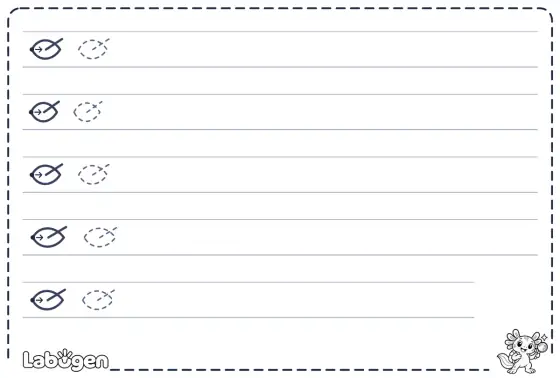
Leaves Tracing Worksheet — Medium Patterns to Draw Independently for Ages 5–6
Five medium rows of little leaves, each with one straight line poking out, invite 5- and 6-year-olds to copy a shape from a single model instead of tracing a whole row.
1 A4 page
- Tracing lines
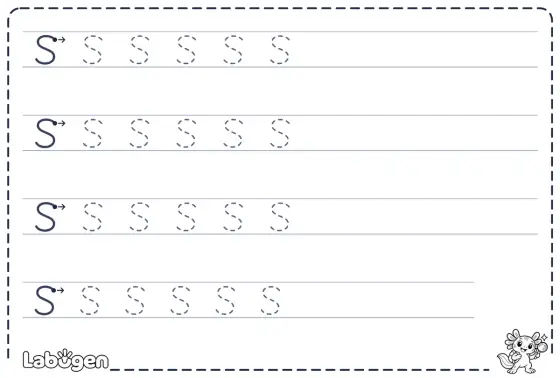
S Shapes Tracing Worksheet — Medium Patterns with Half Tracing for Ages 5–6
Four medium rows of separate S curves give 5- and 6-year-olds the real stroke order of an S, with dashes along only the first half of each row.
1 A4 page
- Tracing lines
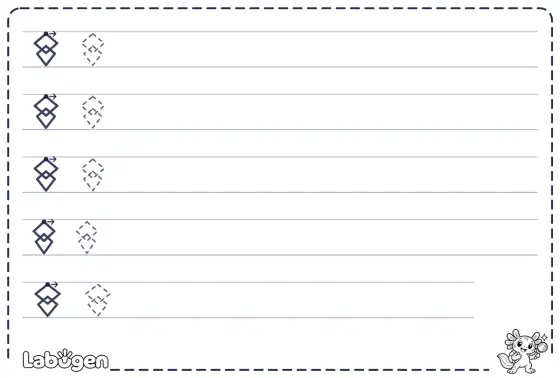
Diamonds Tracing Worksheet — Medium Patterns to Draw Independently for Ages 4–5
Stacked rhombuses, tip over tip, make each diamond pair. After one solid model and one dashed copy per medium row, your child continues freehand. Made for ages 4–5.
1 A4 page
- Tracing lines
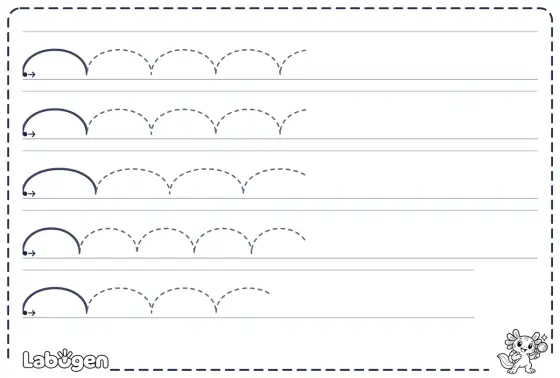
Arcades Tracing Worksheet — Large Patterns with Half Tracing for Ages 4–5
Tall arches joined in one continuous line form these large arcades. Your child traces the first half of each row, then keeps the same wide curve going alone. For ages 4–5.
1 A4 page
- Tracing lines
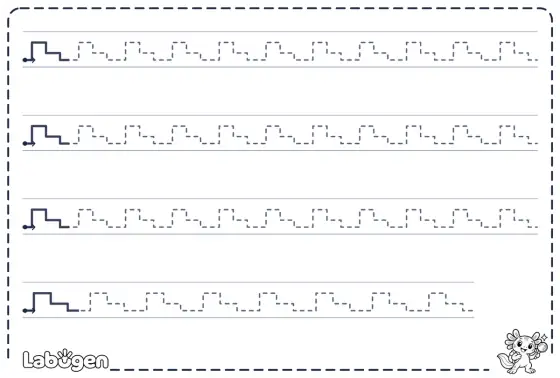
Greek Key Tracing Worksheet — Medium Patterns to Trace for Ages 4–5
The Greek key runs as one line of straight steps, across, up, across and down, and your child traces every step along the dashes in medium rows. Made for ages 4–5.
1 A4 page
- Tracing lines
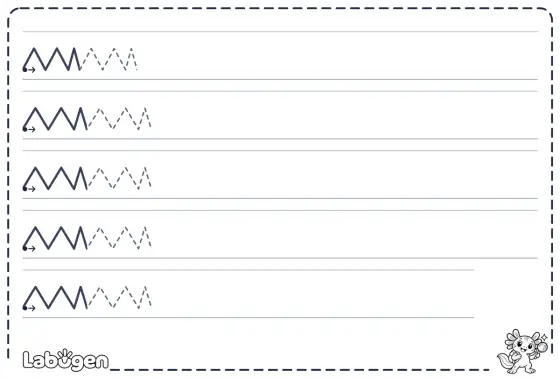
Fir Tree Zigzags Tracing Worksheet — Large Patterns to Draw Independently for Ages 4–5
A continuous zigzag of tall, sharp peaks looks like a row of fir trees. Each large row gives one solid model and one dashed stretch, then children aged 4–5 continue the forest freehand.
1 A4 page
- Tracing lines
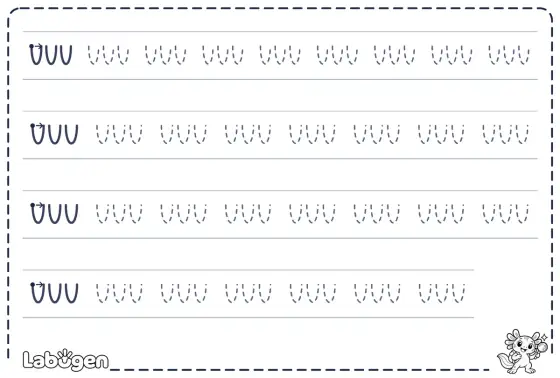
Downward Semicircles Tracing Worksheet — Large Patterns to Trace for Ages 3–4
Groups of three large semicircles curving downward, like little bowls, run along every row, and your child traces each one along the dashes, down and up again. For ages 3–4.
1 A4 page
- Tracing lines
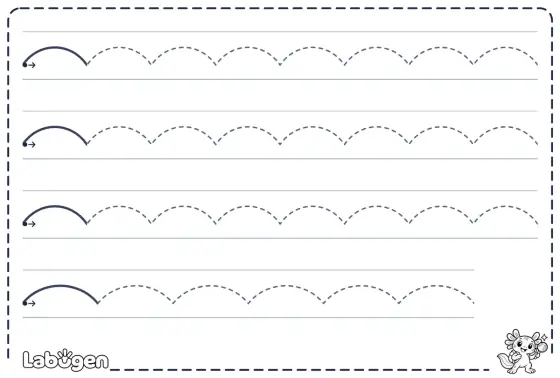
Bridge Arches Tracing Worksheet — Large Patterns to Trace for Ages 3–4
One wide hump after another, joined like the arches of an old stone bridge: this large sheet for ages 3–4 has just four rows, and every arch is dashed.
1 A4 page
- Tracing lines
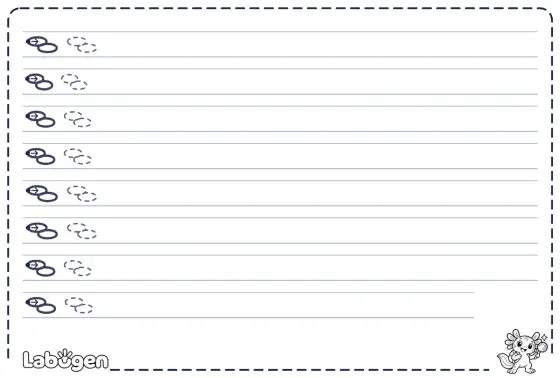
Chain Loops Tracing Worksheet — Medium Patterns to Draw Independently for Ages 6–8
Two overlapping ovals, one high on the left and one low on the right, form each chain link, and 6- to 8-year-olds copy the model along eight narrow rows.
1 A4 page
- Tracing lines
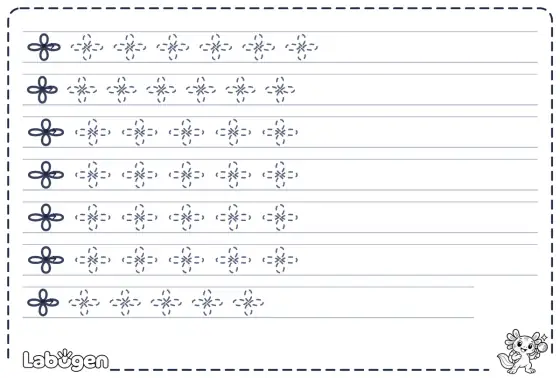
Rosettes Tracing Worksheet — Medium Patterns with Half Tracing for Ages 6–8
Seven rows of rosettes, each flower barely taller than a capital letter on school paper, make this medium sheet for ages 6–8 a real test of small, precise loops.
1 A4 page
Printables are ready-made A4 sheets: you open the file, print it, and the child works with a pencil instead of a finger on a screen. Every printable is assigned to a stage of learning — from a four-year-old in preschool to a fourteen-year-old — so the age filter immediately weeds out whatever is too easy or too hard.
The types differ in what they train. Tracing lines get the hand ready for writing, worksheets consolidate one specific curriculum topic, dot-to-dot combines counting with pencil control, and mazes train attention and planning. Coloring pages have their own, much larger section, because they print straight from the browser, with no PDF file.
All printables are free for home and classroom use: a teacher can print a full set for the whole class, and a parent as many copies as needed.
Frequently asked questions
Are the printables free?
What paper should I print on?
How do I find a printable for a specific age or year?
How are printables different from coloring pages?
What you will find among the printables
Each type has its own page with a list, an age filter and a description. A category without materials is waiting for its first files and has nowhere to lead yet.
Coloring pages
The whole catalog of coloring pages — for boys, for girls and for adults — has its own section. This page only points you there.
Go to sectionTracing lines
Trace-along patterns that get a child's hand ready for writing. Print on A4 and practice together at the table.
See 847Worksheets
Ready-made PDF exercises from preschool to age 14, with an answer key wherever it makes sense.
See 55Dot-to-dot
Join the dots in order and reveal the picture. Counting and pencil control in one, on an A4 sheet.
See 142Mazes
A4 mazes — from simple paths for preschoolers to tangled puzzles for older children.
See 541
Downloadable packs
How to print the materials
Three steps from screen to paper. Every printable is A4 and prints in black.
1. Choose and download
Open a type of material, narrow the list by your child’s age and pick the sheet that fits.
2. Print on A4
In the print dialog choose A4 paper, portrait orientation and 100% scale. Plain 80 g paper is enough.
3. Practice at the table
One sheet at a time and a short session. Where there is an answer key, it sits on the last page of the file.