
In short: how can you use a game for review?
- First choose one skill, such as counting, visual memory, logic or keyboard typing.
- Start with a short screen-free activity or worksheet.
- Play while your child is still focused, not only after a long block of tasks.
- One session can last about 10–15 minutes. That is a practical length for review, not a rigid limit for every child.
- After the game, ask one question: “What did you practise today?” or “What will you do differently next time?”
- If the game itself starts taking more attention than the skill you are practising, switch to another form of review.
A game used for review is part of the learning process. It has a clear goal and appears close to the material being practised. A game used as a reward works differently: the child gets it only after the “real learning,” which can reinforce a split between duty and enjoyment.
How is an educational game used for review different from a reward?
A review game should answer “What are we practising today?” rather than “What will you get for finishing the task?”. This helps a child see a game as one way to work with material, alongside conversation, worksheets, blocks or notebook practice.
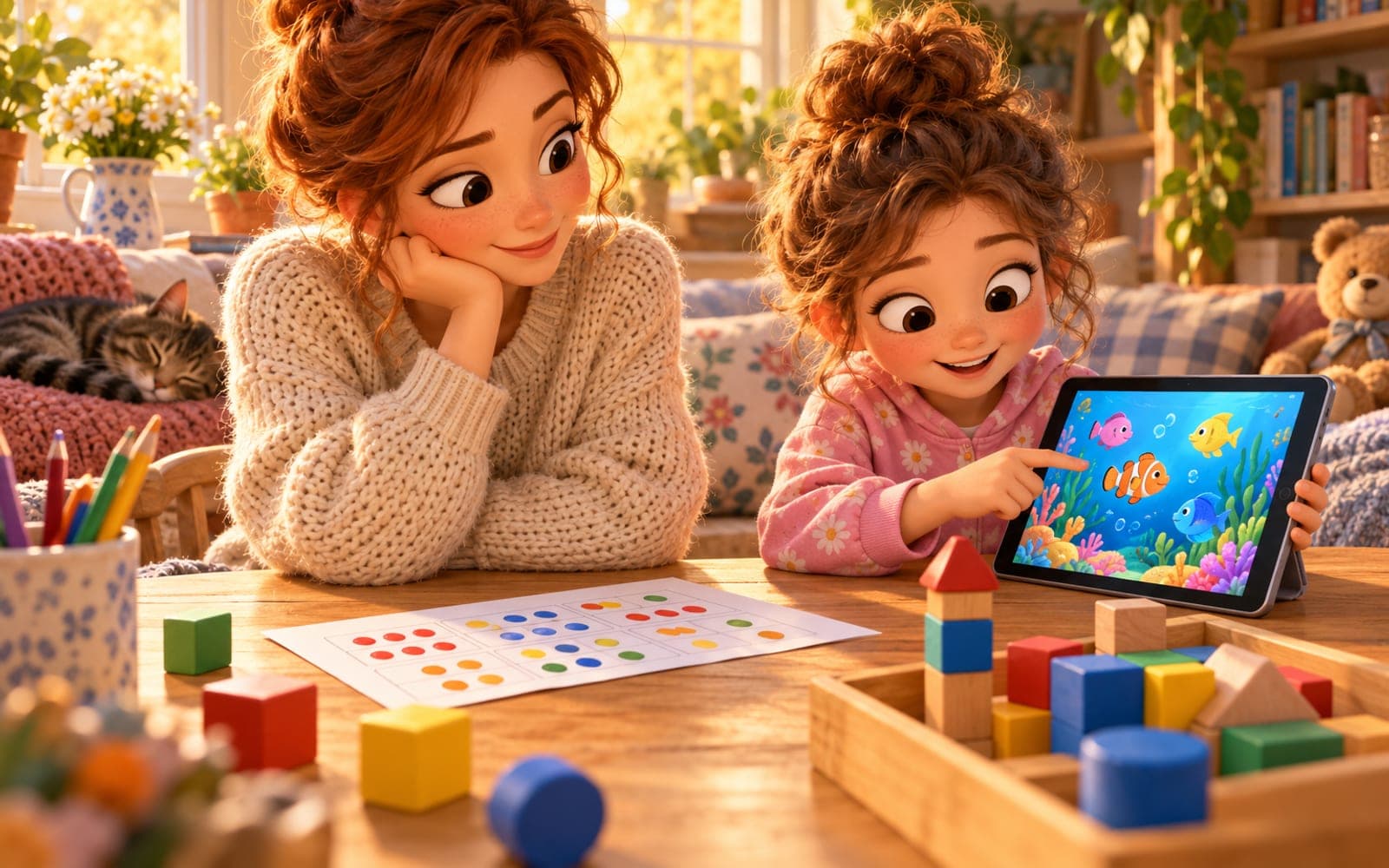
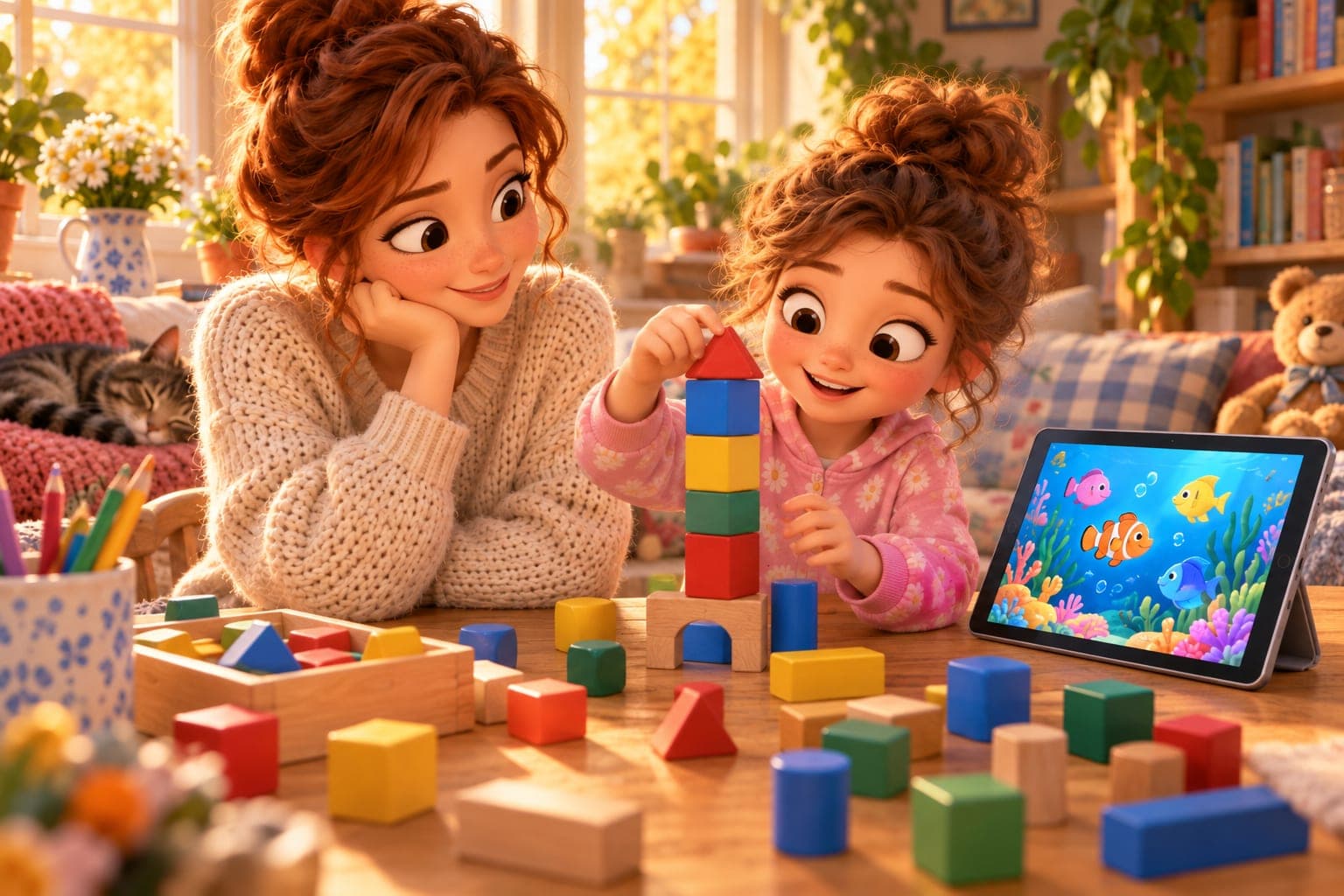
Example: your child is practising recognising quantities. First, they arrange 8 blocks and check how many there are. Then they can move to Labugen Shoal, where they count creatures and choose the correct answer. The game has six difficulty levels, so the challenge can match the child’s current ability.
Timing matters. Do not save the game until the end of a long evening when your child is already tired. A short review is most useful while the learner can still focus on the goal.
How should you choose educational games for primary-age children?
Name the skill first, then choose the game. For a young primary-school learner, “educational” does not automatically mean “right for today.” The game should match what the child currently needs.
In Labugen, you can use four different games for four different goals:
- Keyboard Master develops keyboard typing. Letters fall and the pace adjusts automatically.
- What Disappeared? practises visual memory. The child identifies the missing object. There is no timer and no reading is required.
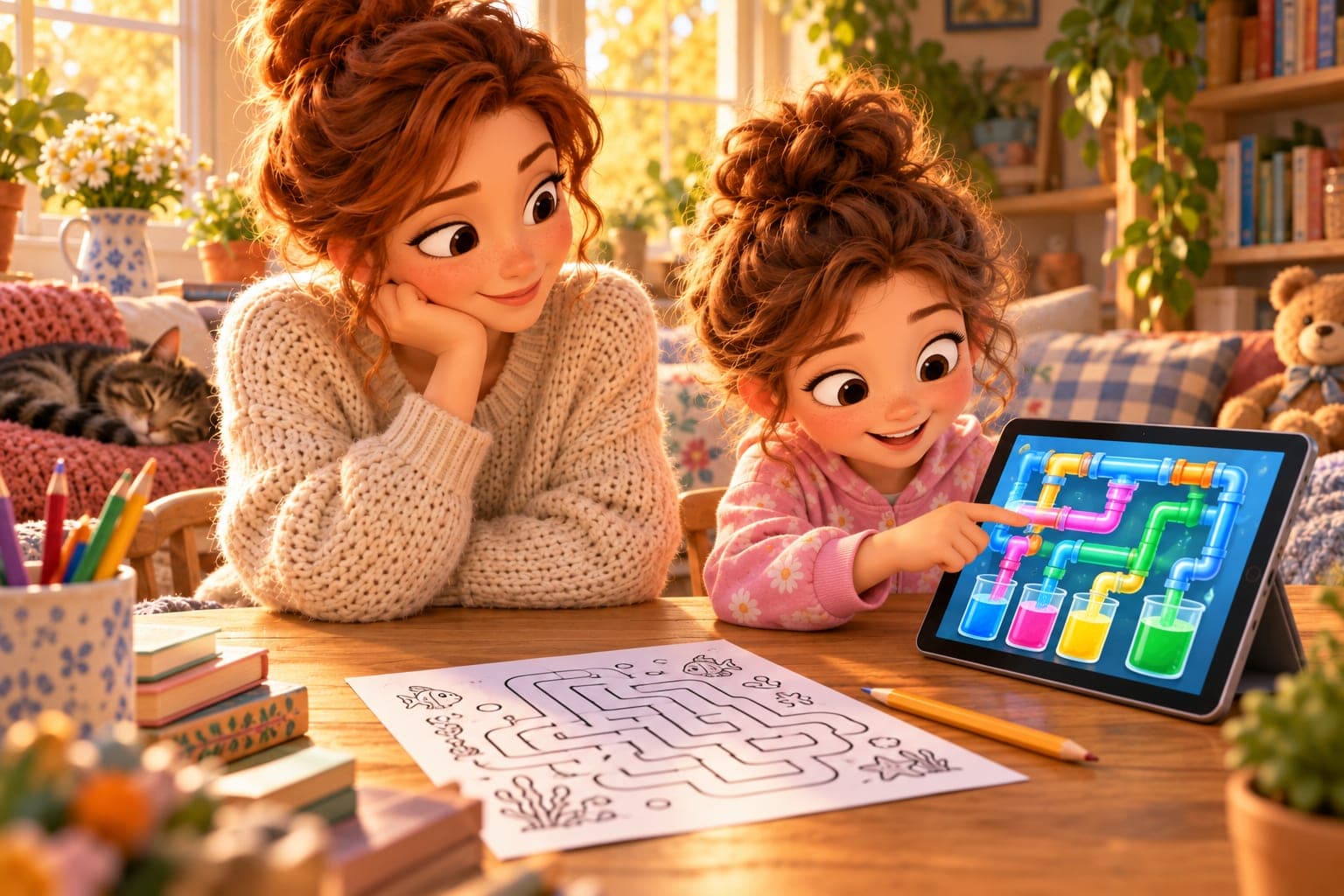
- Labugen Waterworks is a logic game in which the child rotates pipes. Every board has a solution and there is no timer.
- Labugen Shoal practises number sense and counting creatures. It has six difficulty levels.
The full Labugen educational games section is useful when you want to match an activity to a specific goal instead of choosing a title at random.
How can you combine a game with a worksheet?
The simplest pattern is “short worksheet → game → one question.” The worksheet lets your child work calmly without screen stimulation. The game gives a second context for the same skill.
For counting, you can begin with a few simple tasks from printable worksheets, then choose Labugen Shoal. For logical thinking, use a short maze or a task from the worksheet generators, followed by Labugen Waterworks.
Do not try to pair every worksheet with every game. If a worksheet practises written addition while the game practises visual memory, those are two different activities. It is better to say clearly, “Now we are practising memory,” than pretend everything is one task.
For a younger learner, educational coloring pages or ordinary printable coloring pagescan also be useful when they need a calmer screen-free activity after practice.
What might a week with educational games look like?
You do not need to play every day. A few short review sessions are better than one long session at the weekend.
Day | Goal | Before the game | Game or activity | After-game question |
|---|---|---|---|---|
Monday | number sense | count 2–3 sets of blocks | Labugen Shoal, 1–2 short rounds | “How did you recognise the number fastest?” |
Tuesday | visual memory | look at 5 objects and cover one | What Disappeared? | “What helped you remember?” |
Wednesday | screen break | worksheet or coloring page | printable material | “What did you do independently today?” |
Thursday | logic and planning | simple maze | Labugen Waterworks | “Where did you start?” |
Friday | keyboard | find 5 letters on the keyboard | Keyboard Master | “Which letters can you find faster now?” |
Weekend | child’s choice | remind them of the goal | one familiar game | “What would you like to practise next week?” |
The plan does not have to be followed day by day. If your child comes home tired, shortening or postponing the activity is better than checking off the review just because it is scheduled.
How much screen time should an educational game take?
For one review session, about 10–15 minutes is usually enough, but this is not an official daily screen-time limit. For primary-age children, it is more useful to ask whether screens are displacing sleep, movement, conversation, free play and hands-on activity than to search for one magic number.
WHO guidance for children and young people aged 5–17 recommends an average of at least 60 minutes of moderate-to-vigorous physical activity per day across the week and limiting sedentary time. The guidance does not set one maximum number of recreational screen minutes for the entire 5–17 age group.
Treat an educational game as one part of the day, not as a separate “unlimited” category of screen time. If your child has already had a lot of digital activity, do the review on paper, with blocks or at the table.
How should you talk after a game so the learning sticks?
One minute and one good question is enough. The goal is not to quiz your child but to direct attention to the way they solved the task.
You can ask:
- “What was easiest today?”
- “Where did you get stuck?”
- “How did you know which answer was right?”
- “What would you like to try again?”
- “Show me how you worked that out.”
After Labugen Shoal, ask your child to show a similar quantity with blocks. After What Disappeared?, put three or four objects on the table and hide one. After Labugen Waterworks, ask which part of the board they started with. After Keyboard Master, choose two letters your child wants to find faster the next day.
Moving from the screen to conversation or physical objects helps you see whether your child understands the task beyond the game mechanics.

How can you tell when the game has stopped teaching?
A game stops serving as review when the learning goal disappears from view. That does not mean the game has become “bad”; it only means it is not currently helping with the goal you set.
Watch for these signs:
- your child only wants to repeat the easiest part to get quick wins;
- after playing, they cannot say what they were actually practising;
- they increasingly negotiate for more rounds but do not want to return to the task;
- they become upset mainly because the game is ending rather than because the content is difficult;
- screen time starts taking time away from sleep, movement, meals or conversation;
- your child is so tired that they are only reacting instead of thinking.
If that happens, stop earlier or switch to a screen-free activity. You can also find calmer practice ideas in the parent guide.
What mistakes do parents most often make?
The most common mistake is using a game as currency: “If you finish your work, you get 20 minutes of gaming.” Then the game sits outside learning instead of being one of the tools.
Other traps include:
- A session that is too long. The child only starts the game once they are already tired.
- No clear goal. The parent says “play something educational” but does not know what skill is being reviewed.
- Changing games constantly. Novelty wins over practising one specific skill.
- A game that is too difficult. The child struggles with the rules instead of practising the target skill.
- A game that is too easy. Success comes quickly, but there is no longer any cognitive effort.
- No clear ending. The parent sets the rules only when it is time to turn the screen off.
- Judging the score instead of the strategy. It is better to ask “How did you do that?” than focus only on points.
Can an educational game replace ordinary learning?
No. A game is one tool for review and should not replace conversation, handwriting, books, movement or hands-on work with physical objects.
Early primary education benefits from varied activities and pacing matched to the child. School programmes commonly develop language, maths, digital and physical skills through different forms of activity. A digital game can support some of these goals, but only as one element.
If you want to plan review across the week, combine screens with worksheets, reading, counting objects, movement and conversation. That lets your child practise the same skill in several contexts.
When should you talk to a teacher or specialist?
Disliking one game is not a sign of a problem. However, talk to a teacher if your child has a clear and persistent difficulty with the underlying skill even outside the game, or if schoolwork regularly causes strong distress.
If difficulties involve attention, emotions or screen use and affect everyday functioning, a conversation with an appropriate school or child-development professional may help. The aim is to choose support, not diagnose a child from a game score.
Sources
- World Health Organization, WHO guidelines on physical activity and sedentary behaviour, 2020: https://www.who.int/publications/i/item/9789240014886
- World Health Organization, Physical activity, 2024: https://www.who.int/news-room/fact-sheets/detail/physical-activity
- Ministerstwo Edukacji Narodowej, Nowe podstawy programowe wychowania przedszkolnego i kształcenia ogólnego dla szkoły podstawowej, 2026: https://www.gov.pl/web/edukacja/nowe-podstawy-programowe-wychowania-przedszkolnego-i-ksztalcenia-ogolnego-dla-szkoly-podstawowej-wraz-ze-zmianami-w-ramowych-planach-nauczania-dla-publicznych-szkol-podstawowych--rozporzadzenia-podpisane