
Drawing Tablet on a Desk by the Window
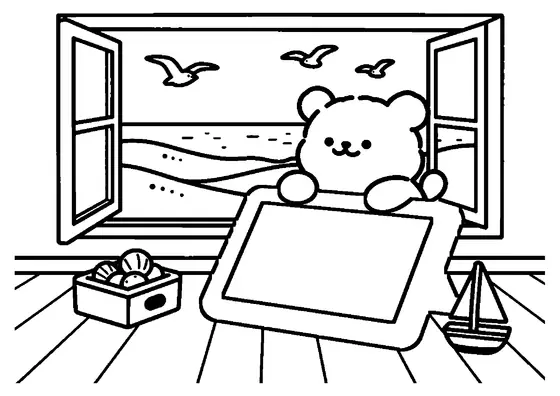
A digital graphics tablet and pressure-sensitive stylus rest on a neat desk inside a sunlit bedroom next to a window.

A4 format (landscape), black outlines on a white background · for home and classroom use
All coloring pages: Phone Coloring Pages
Similar coloring pages: Phone Coloring Pages



What else can you print? Free, no account needed
Custom Name Coloring Pages
Enter your child's name to generate a custom coloring page featuring large outline letters to color and decorate.
Open generator →Connect the Dots Generator
Eight connect-the-dots pictures across three difficulty levels. Features faint outline guides for younger children and dots only for older kids.
Open generator →Printables
Worksheets, tracing lines, mazes and dot-to-dots in A4.
Browse printables →
Digital Graphics Tablet and Stylus on a Desk
A graphics tablet with a specialized stylus sits on a clean desk surface in a child's bedroom near a window. The daylight streaming through the window highlights a dedicated workspace configured for creative digital projects.
How Digital Stylus Technology Works
Modern graphics tablets use electromagnetic resonance technology to detect pen position without requiring batteries inside the stylus. Sensor grids embedded beneath the tablet surface interact with internal coils in the pen to calculate precise coordinates and pressure angles. This allows digital artists to control line thickness and stroke density just as they would with traditional graphite pencils.
Colors of Digital Drawing Tools and Furniture
- Graphics tablet surface: Matte black or charcoal gray
- Digital stylus pen: Black, silver, or blue
- Desk surface: Natural pine wood, birch, or white laminate
- Window frame: White, light gray, or dark brown